
How to Block a Stolen or Lost Phone Using Its IMEI Number (CEIR Guide, 2026)
Byadmin
lost Phone, stolen phone, IMEI, CEIR, block phone
Losing your phone is stressful — but a stolen handset doesn't have to stay useful to a thief. In India, the Department of Telecommunications runs the Central Equipment Identity Register (CEIR), a free government service that blocks a lost or stolen phone across every mobile network using its IMEI number. Once blocked, the device can't make calls, send texts, or use mobile data on any Indian SIM, even if the thief swaps the SIM card. Here's exactly how to do it.
What is the CEIR portal?
CEIR (ceir.gov.in) is the official Government of India platform for reporting and blocking lost or stolen mobile phones. When you file a blocking request, your device's IMEI is added to a nationwide blacklist shared with all telecom operators, so the phone becomes unusable on any network in the country.
Before you start: what you'll need
Apply • List:
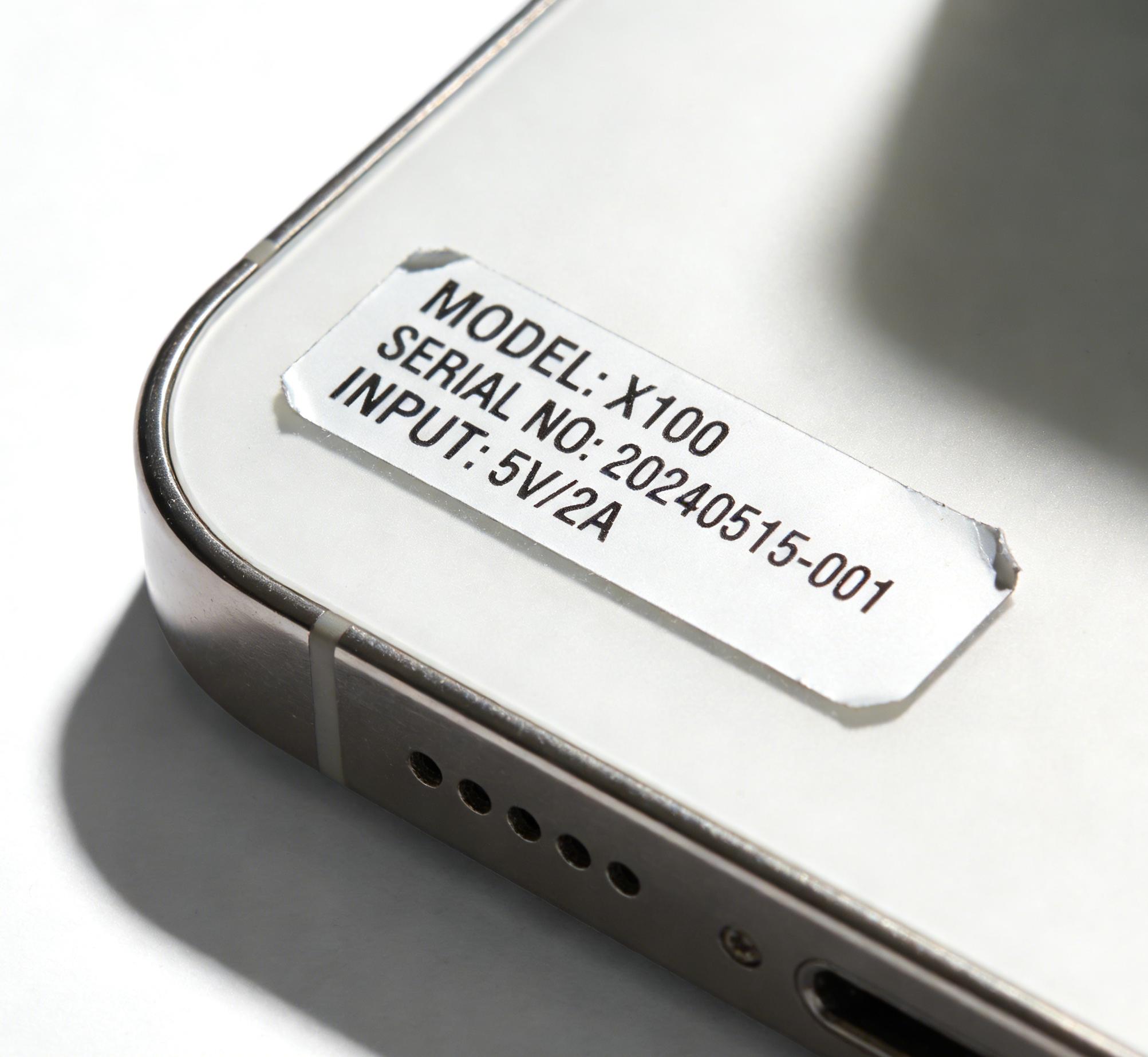
Your phone's IMEI number (dial *#06# on the device, or check the box / original bill)
A police complaint or FIR number for the lost/stolen device
A copy of the FIR (PDF or image)
Your identity proof (Aadhaar, PAN, or similar)
The mobile number that was active in the phone, plus an alternate contact number
Tip: File a police FIR first. CEIR requires the complaint number, and the FIR also protects you if the phone is later misused.
Step-by-step: blocking your phone
Apply 1. List:
Go to ceir.gov.in and open "Block Stolen/Lost Mobile".
Fill in the device details: mobile number(s), IMEI number(s), device brand and model.
Upload your FIR copy and select the phone-lost date and location.
Enter your personal details — name, address, ID proof, email, and an alternate contact number.
Submit the form and note down your Request ID — you'll need it to track status or unblock later.
After submission, the network operators block the IMEI, usually within 24 hours. The phone will no longer work with any Indian SIM.
Got your phone back? How to unblock it
If the device is recovered, return to the CEIR portal, choose "Un-block Found Mobile", enter your Request ID and registered mobile number, verify with the OTP, and submit. Service is typically restored within a day.
Check an IMEI before you buy a used phone
Buying second-hand? Always verify the IMEI first. A phone reported lost or stolen will show up as flagged — a clear sign to walk away.
Add a [Link] on the words "verify the IMEI": link to /imei-search/.
Frequently asked questions
Is CEIR free? Yes — blocking and unblocking through the official portal is completely free. Will blocking work if the thief changes the SIM? Yes. The block is tied to the IMEI (the hardware), not the SIM, so it applies across all networks. How long does blocking take? Usually within 24 hours of submitting a valid request with the FIR.
Blocking a stolen phone through CEIR protects your data and makes the device worthless to whoever took it. Pair it with a theft report in the Trackimei registry so buyers, sellers, and repair shops everywhere can see the IMEI has been reported.
Add a [Link] on "theft report in the Trackimei registry" → /report-theft/.

Leave a Reply
Your email address will not be published. Comments are reviewed before they appear.